
[No. 043]
Design
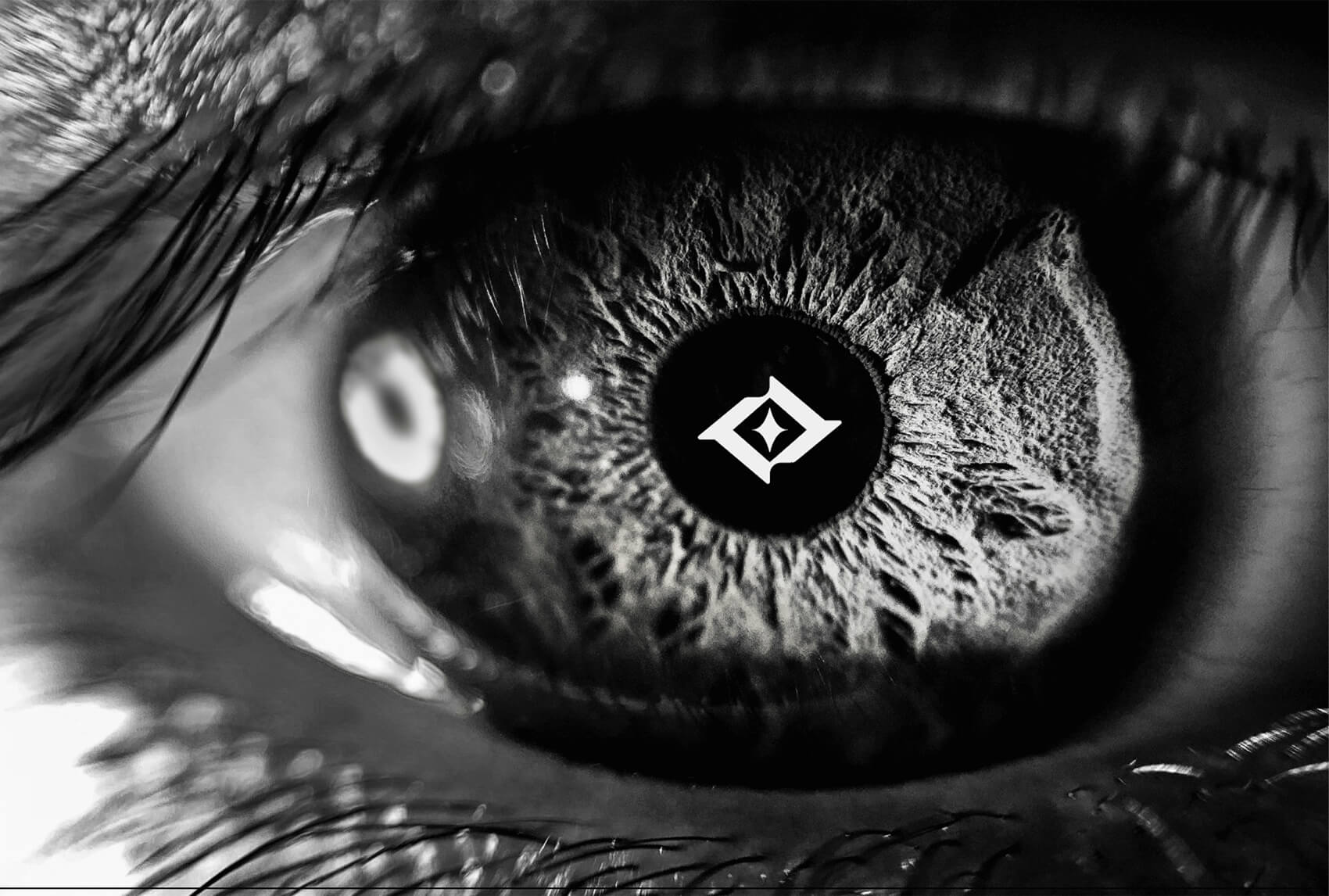
Hello world, I’ve completed my logo redesign! This marks my 3rd personal logo and I’ve learned a lot since my first, so much so that I decided to document my entire process to share. Here’s how I do it:
1. Moodboard
It’s really important to find inspiration before starting the process. Keep things fun and light, feel free to collect imagery, colour palettes, typography and logos that inspire you. Another way to do this would be to identity keywords that express the brand’s personality. We’re essentially collecting recipes and ingredients before cooking a dish.
2. Conceptualise
Once you’ve collected a good amount of inspiration, start exploring ideas by combining concepts to find interesting outcomes. Personally, I would come up with at least 2 strong and unique concepts to pursue. I used to cap it at 3 but I’m learning to be more decisive with my designs. That aside, too many options cause analysis paralysis so try to choose with conviction backed by your objectives.
3. Play
Once you have a rough idea of it, trace it to get an idea of its shape and feel. This is the part where I’d be playful with the process but intentional with the improvements. I highly encourage experimenting with odd shapes, small sizes and different positioning of it. This will help you anticipate how it will look from different angles and small use cases (such as favicons for websites). On top of that, you’ll be surprised to see how many variations you can come up with.
Sometimes, it’s possible to take things a little too far and end up somewhere I call: the Dark Playground. You’ll know you’ve arrived once you lose track of time from over-experimentation or if you start stressing over the minor details (eg: the roundness of an edge, the spacing between elements, thickness of lines, etc). Just remember that at this point, the details don’t matter as much as the visual improvements. I remind myself of this by using images as placeholders to see if what I’m creating matches my vision. If it does, you’re ready for step 4.
4. Finalise
After making the improvements, you should have a refined blueprint for the final step and this is where we get precise. I do this by creating borders on all sides to get a sense of how padding would affect it. At the same time, doing this will provide some wiggle room to resize it if needed. Then, create guidelines* and start the process with black and white. This helps remove the distraction of colour so you may focus on the overall shape language. This will help with achieve pixel perfection, which is what separates good and great.
*To illustrate this point, imagine drawing a straight line using a ruler on a cutting mat versus free-styling it by connecting 2 dots to one another. It’s no competition.
On top of that, this process will act as a showcase to your professionalism which is something clients value. It will elevate your final artwork through your thoughtfulness and accuracy. People love it, and it shows undeniable proof of work which builds trust and credibility.
Once you’re satisfied with the final artwork, add the colours from your collection. One way to make sure you’re choosing the right colour is to match it to the keywords you’ve chosen and ask yourself 2 questions: What will the target audience think? Are you proud of it?
5. Showcase
If you’ve read this far, I’m gonna drop an extra piece of advice I wish I knew when I started designing and that is to share your process. Ideally, you’ll have your logo variants while documenting your process. There are many ways to do this, and I’m going to share it in the next video where I break this down more deeply.
Stay tuned!